
Choose the moment.
Everyday listening, after a splash, before a call or recording, or a headphone setup. Give each check a little context.
Your audio has a story. Capture the setup, listen with purpose, and save the observations you want to come back to.
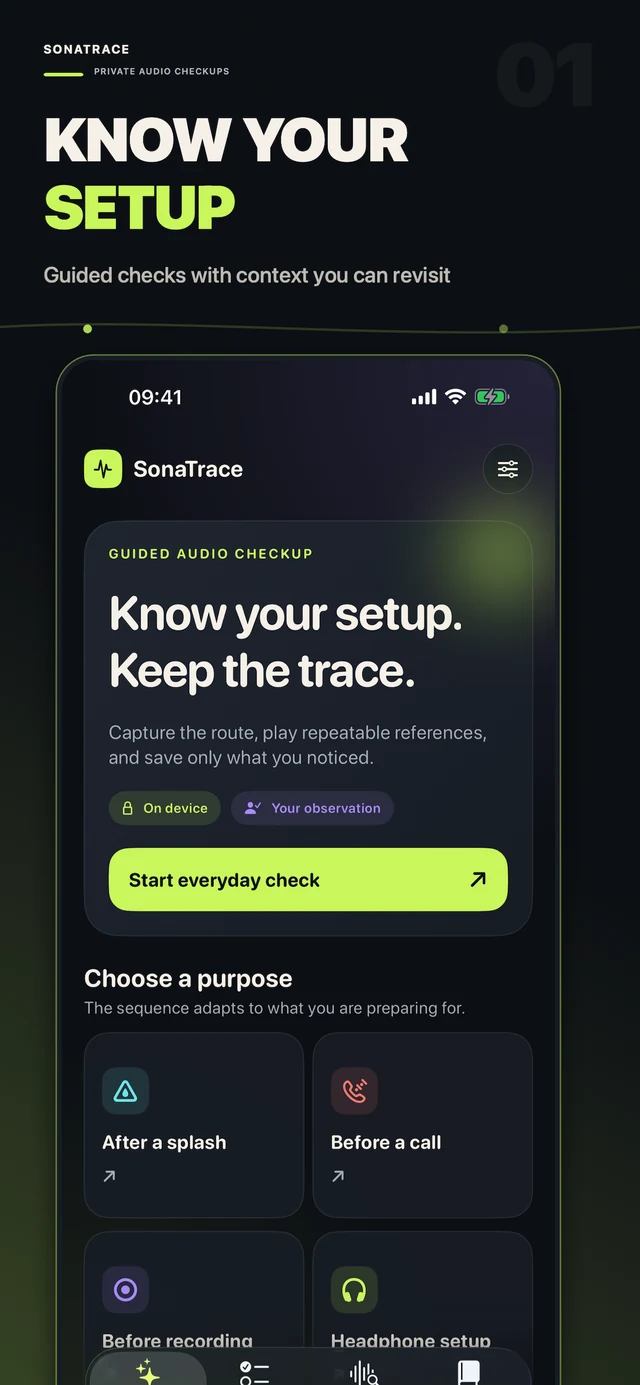
Choose a purpose, capture your audio route, and listen to a repeatable reference. Make a note of what you hear.
Everyday listening, after a splash, before a call or recording, or a headphone setup. Give each check a little context.
Keep a snapshot of the active audio route with your checkup, so you can revisit the setup you were using.
Play a reference, record your observations, and keep the details together in your on-device Audio Passport.
Quiet Window takes a 12-second look at relative sound levels. A quick observation to help you notice your surroundings before you listen.
No recording is saved by this tool. Relative levels are a reference, not a calibrated sound measurement.
Inside the Audio LabFrom the first question to your saved observations, every screen has a clear purpose.
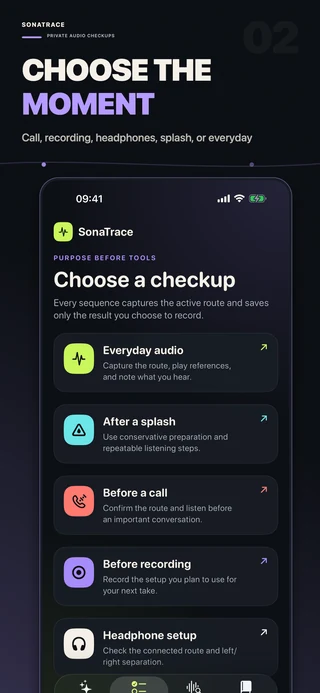
A checkup for your situation.
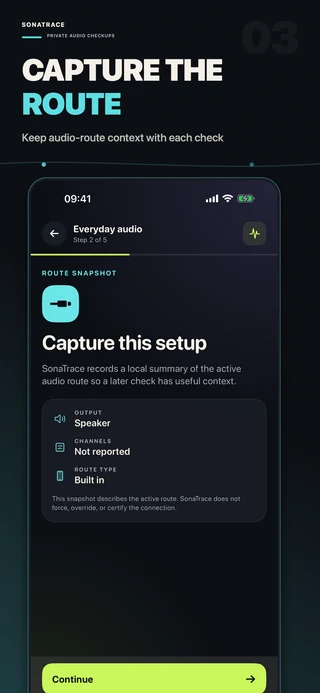
Remember the setup you used.
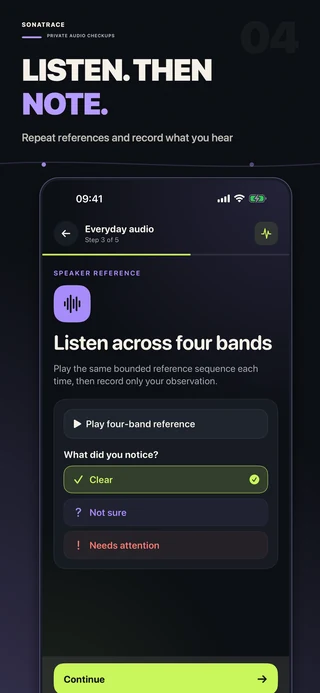
Keep your own observations.
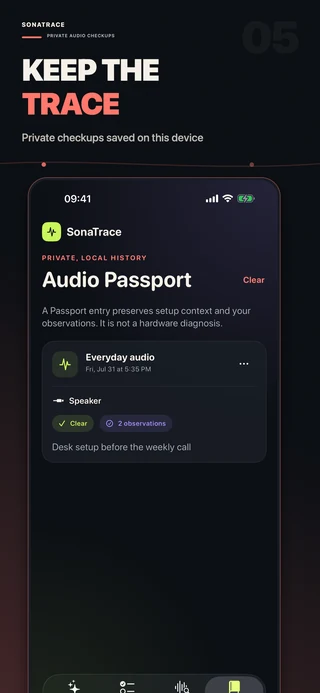
Revisit your Audio Passport.
Scroll through the app
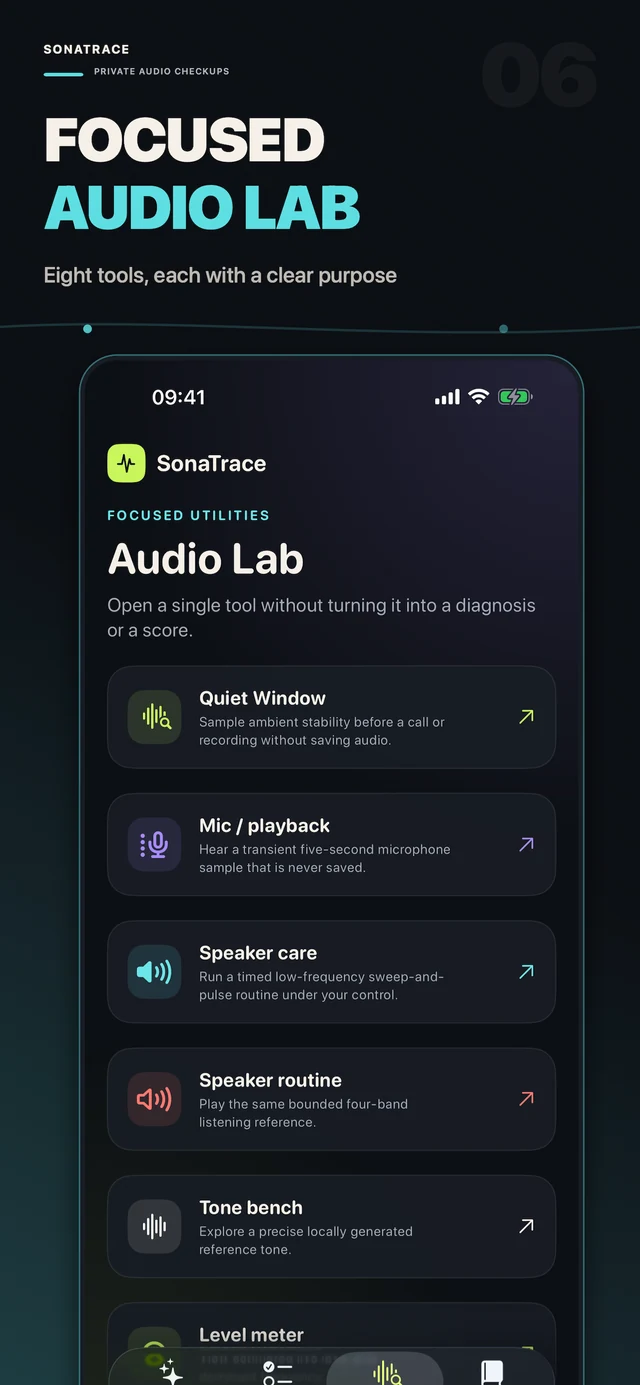
Speaker references, a short microphone check, stereo playback, tone tools, and more — together in one focused space.
See the Audio LabThese are reference and observation tools. They do not diagnose hardware or guarantee the removal of liquid or debris.

Available for iPhone and iPad. Requires iOS 17.0 or later.